
On-Premise Document Management Software
One Platform for Document & Email Management
Docsvault is a secure, on-premise document management system trusted by law firms, corporate legal departments, and businesses across insurance, accounting, and other client-focused industries — delivering complete control, security, and compliance in one system.
NO CREDIT CARD REQUIRED · DEPLOYED ON YOUR SERVERS
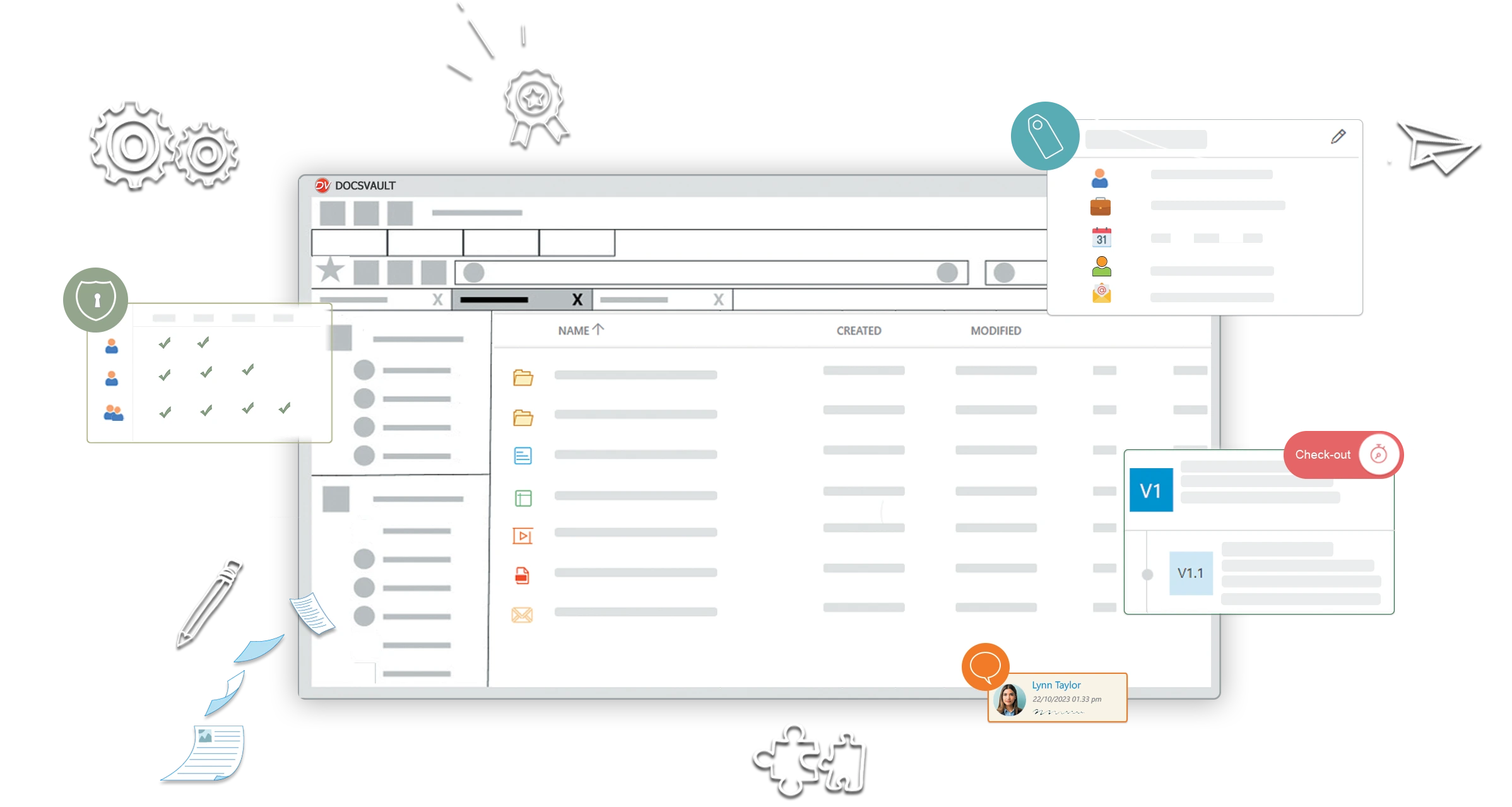
Looking for a Worldox Alternative? Worldox End of Support in 2026 is driving organizations across industries—including law firms, insurance, accounting firms, and other professional businesses—to switch to Docsvault as their on-premise alternative. Maintain your familiar filing structure with expert-guided migration and instant document retrieval. See why organizations are moving from Worldox to Docsvault →
5000+
businesses worldwide rely on Docsvault
99.9%
uptime for reliable, uninterrupted access
Millions
of documents managed with powerful search
< 1 sec
average time to find documents with OCR
Every document, filed and findable, on infrastructure you own.
One platform for documents, emails, and team collaboration
Why choose Docsvault?
A Modern, Secure On‑Premise DMS Built for Today’s Business
Docsvault is a powerful yet easy‑to‑use on‑premise document management software that helps organizations centralize content, eliminate manual inefficiencies, and maintain complete control over business‑critical information without compromising security or compliance.
Where do your documents live today?
Built for Legal Teams. Trusted Across Industries.
Docsvault serves legal professionals first, and scales to other departments and industries that require the same level of document control, compliance, and security.
Law Firms
Manage pleadings, discovery, court-filed PDFs, and case correspondence with built-in Bates numbering (PDF), redaction, and automated footer stamping (Word).
Corporate Legal Departments
Centralize contracts, board resolutions, compliance documents, and cross-department communication with complete audit trails and control.
Insurance
Manage policies, claims files, and client records with role-based access, encryption, and complete audit trails to meet regulatory compliance requirements.
Accounting
Organize client engagement files, automate accounts payable, route invoices for approval, and maintain audit-ready financial records for every close.
HR Departments
Centralize employee files, onboarding documentation, and performance records with standardized workflows, controlled access, and retention compliance built in.
Government
Strengthen public-sector records management with secure retention policies, controlled access to sensitive documents, and full audit trails for compliance.
Document Management Capabilities
A flexible, scalable, and extensible document management system designed for control, efficiency, and growth.
Centralized Document Management
Organize, search, secure, and share documents in a single system.
- Apply metadata-driven filing for consistency across clients, matters, projects, or departments
- Store paper and digital files in one centralized repository
- Use familiar folder structures aligned to existing filing systems
- Enforce clean, standardized filenames automatically
- Customize metadata and structure by document type or organization needs
- Enable secure collaboration across teams and business units
Ideal for managing sensitive documents across legal and other professional environments.


Email Management
Manage Outlook emails and attachments with related documents in one system.
- Seamlessly integrate with Microsoft Outlook to save incoming and outgoing emails with attachments in one click
- Centralize emails alongside related documents, clients, matters, projects, etc.
- Automatically detect and manage duplicate emails to prevent clutter and conflicts
- Enable full-text search across email content and attachments for faster retrieval
- Apply retention policies and archive inactive emails while keeping them searchable and audit-ready
Designed for managing high‑volume, sensitive business communications across regulated teams.
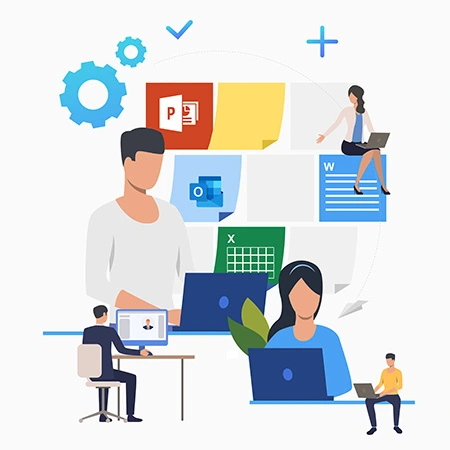
Microsoft Office Integration
Work seamlessly within familiar Microsoft tools while maintaining document control, consistency, and version accuracy.
- Edit, collaborate, and manage versions directly from Microsoft Office—without leaving your workspace
- Automatically apply configurable footer stamps to Word and Excel documents for clear document identification, even in printed formats
- One‑click Compare enables effortless comparison of document versions or different documents of the same type to track changes and maintain consistency
- Generate PDF and PDF/A copies directly from Word and Excel during checkout to support document preservation and compliance requirements
Ideal for teams that rely heavily on Microsoft Office while managing sensitive client documents
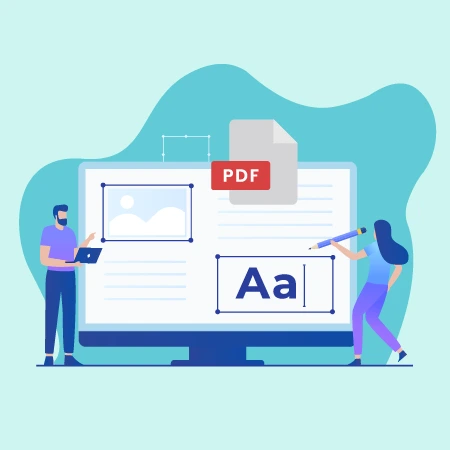
All-in-One PDF Management
Create, edit, secure, and manage PDFs directly within the system—eliminating the need for multiple PDF tools.
- Create, edit, merge, split, and organize PDFs without leaving the platform
- Apply Bates numbering, watermarks, headers, footers, and digital stamps for document identification
- Complete, fill, and securely sign PDF forms with built-in e-signature and approval workflows
- Permanently redact sensitive text and images to protect confidentiality and prevent data exposure
- Search for text content within scanned PDFs using OCR technology
Built to manage business-critical PDFs with accuracy, security, and control.
Powerful Search and Discovery
Find the right documents instantly with intelligent search across content, metadata, and scanned files.
- Search documents by metadata, titles, user comments, and other indexed attributes
- Perform full-text and inflectional searches to capture variations and context
- Run advanced queries, including proximity searches, for precise results
- Conduct conflict of interest searches across clients, matters, and related documents
- Filter and refine results using metadata, document profiles, or custom tags
- Save frequently used searches for quick, one-click access
- Use built-in OCR to make scanned documents fully searchable and easy to retrieve
Built to surface critical information quickly, accurately, and with minimal effort.

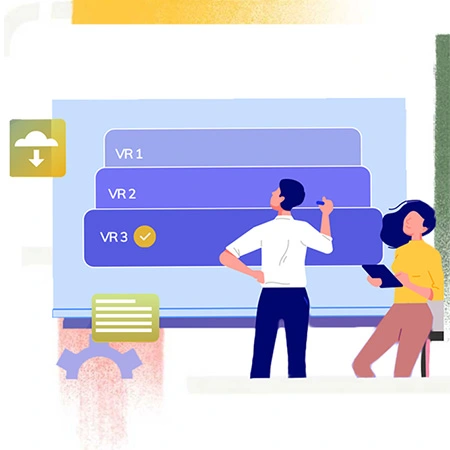
Document Versioning
Track, compare, and manage document changes with complete visibility—so teams collaborate confidently and stay aligned.
- Maintain a clear, complete history of document versions over time
- Track updates and revisions to ensure everyone works on the correct version
- Compare versions or similar documents to quickly identify changes and ensure accuracy
- Add comments, suggestions and reminders directly against documents
- Control access to different document versions to protect sensitive information
- Restore previous versions instantly to recover from errors or revert changes
Built to maintain accuracy, accountability, and control across evolving documents.
Access Control, Audits and Compliance
Protect business-critical information with strong security controls, governance, and full visibility into document activity.
- Protect sensitive documents using industry aligned data security best practices
- Apply granular access controls to ensure only authorized users can view or manage specific documents
- Enforce retention policies to automatically archive or delete records in line with legal and organizational requirements
- Enable secure document sharing using HTTPS and encryption to protect data in transit
- Enforce strong authentication with Active Directory–based Single Sign On (SSO) and two-factor authentication (2FA)
- Maintain detailed audit trails to monitor, track, and review all user actions and document activity
Built for secure access, accountability, and control.


Collaboration, Workflows & Digital Signatures
Collaborate securely, automate approvals, and move documents forward faster—without losing control or visibility.
- Securely share documents while maintaining confidentiality
- Create, edit, and manage files across devices for seamless collaboration
- Share and collect documents using public links and request-based access
- Automate document routing and approvals with predefined workflows
- Receive real-time notifications for approvals, changes, and upcoming deadlines
- Send, receive, and track electronic signatures directly within the system
Built to streamline collaboration, approvals, and document-driven processes with speed and control.
Why Organizations Choose On-Premise Document Management
Full control, on infrastructure you own.
Organizations across industries handle highly sensitive information—client records, financial data, internal processes, and confidential communications. For many, maintaining full control over that data isn’t optional. Docsvault delivers the power of a modern document management system on infrastructure you own and control. Want a deeper breakdown? See why organizations prefer on-premise DMS →

G2

Capterra
Ease of Use
Features
Customer Service
Value for Money
*Based on verified user reviews.
Data sovereignty
Client files, confidential communications, and matter records never leave your firm’s infrastructure.
Compliance flexibility
Configure retention policies, access controls, and audit trails to meet your jurisdiction’s bar rules and regulatory requirements.
Predictable costs
No per-user cloud subscription escalation. Server infrastructure you own means costs you control.
Remote access without cloud risk
Web browser and mobile access to your on-premise repository — secure, without routing documents through a third-party cloud.
Your intellectual property stays yours
Matter precedents, templates, and institutional knowledge remain entirely within your firm’s control.
G2
Capterra
Ease of Use
Features
Customer Service
Value for Money
*Based on verified user reviews.








News & Press: Latest from Docsvault
Struggling with Your Current DMS?
If you’re facing these challenges, it’s time for an upgrade:
- Lack of On-Premise Control – Need complete ownership and security over your data?
- Outdated, Inefficient System – Tired of your old DMS?
- Overwhelmed by Email Overload? – Struggling to manage and organize emails efficiently?
- High Costs – Spending too much on licensing and maintenance?
Switch to a More Efficient, Affordable DMS!
Book a Live Demo & See the Difference!
