Administrators can query and manage the settings from the client side “Administration” menu. This menu is only available to administrator group members and users with sufficient system rights to warrant access to this menu.
This menu includes:

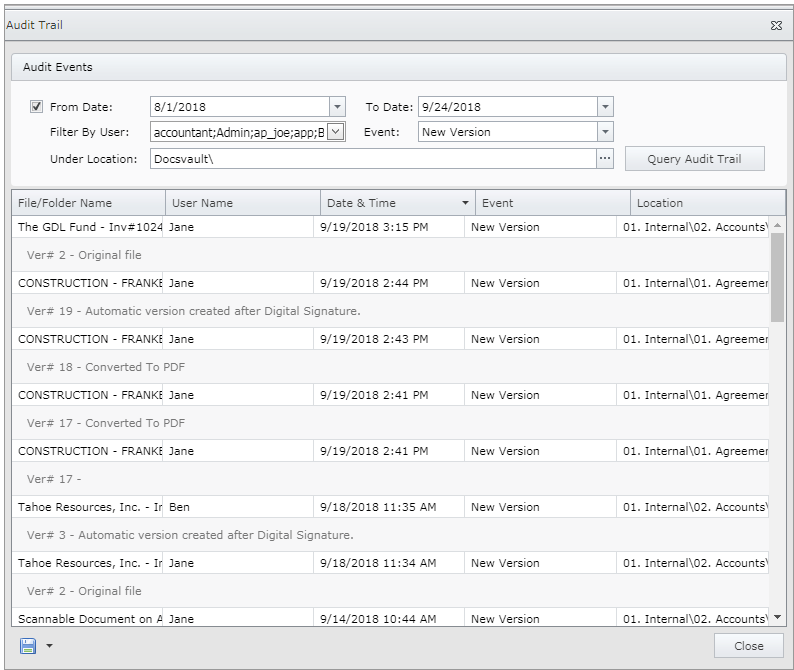
An Administrator or authorized users can trace the events performed on documents by any user. This dialog helps you to query audit logs with various filters to narrow down the log results. Fore more information, see Audit Trail.
|
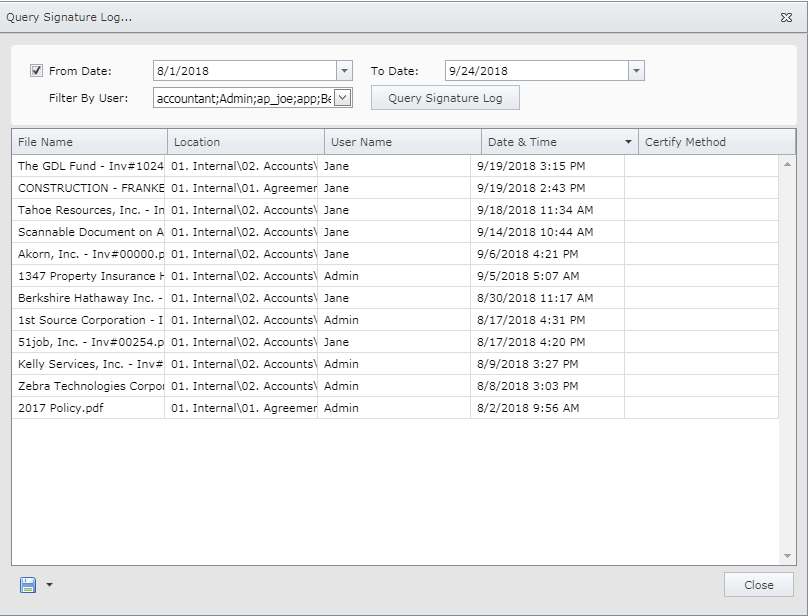
An Administrator or authorized users can also query the entire Digital Signature log. The report can be filter by users, names and dates. For more information, see Signature Log.
 |
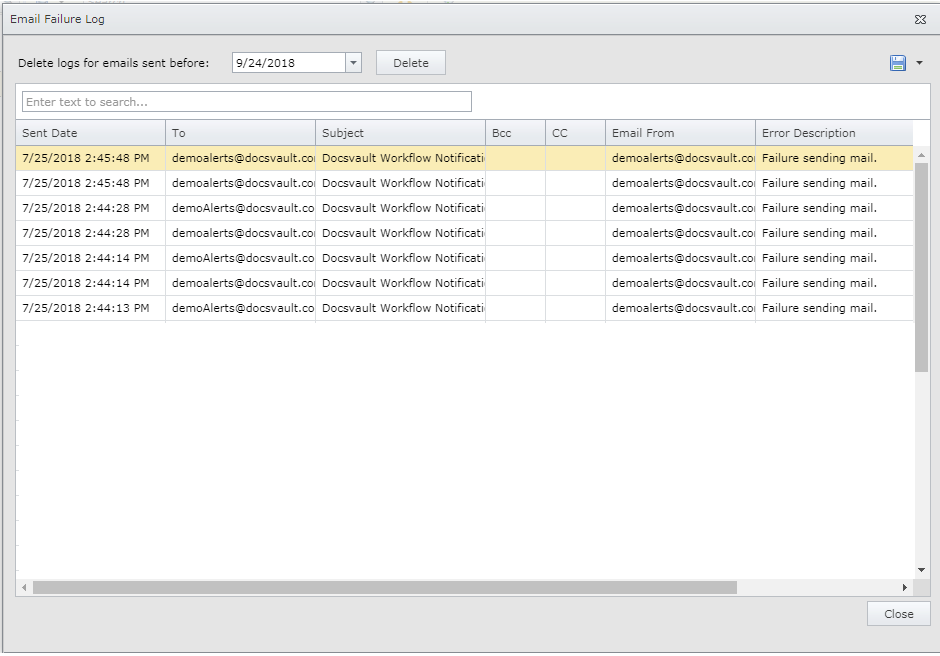
Administrator can get all information regarding failure emails sent through Docsvault via this log. You can delete and purge logs for emails sent before specific date. For more information, see Email Failure Log.
 |
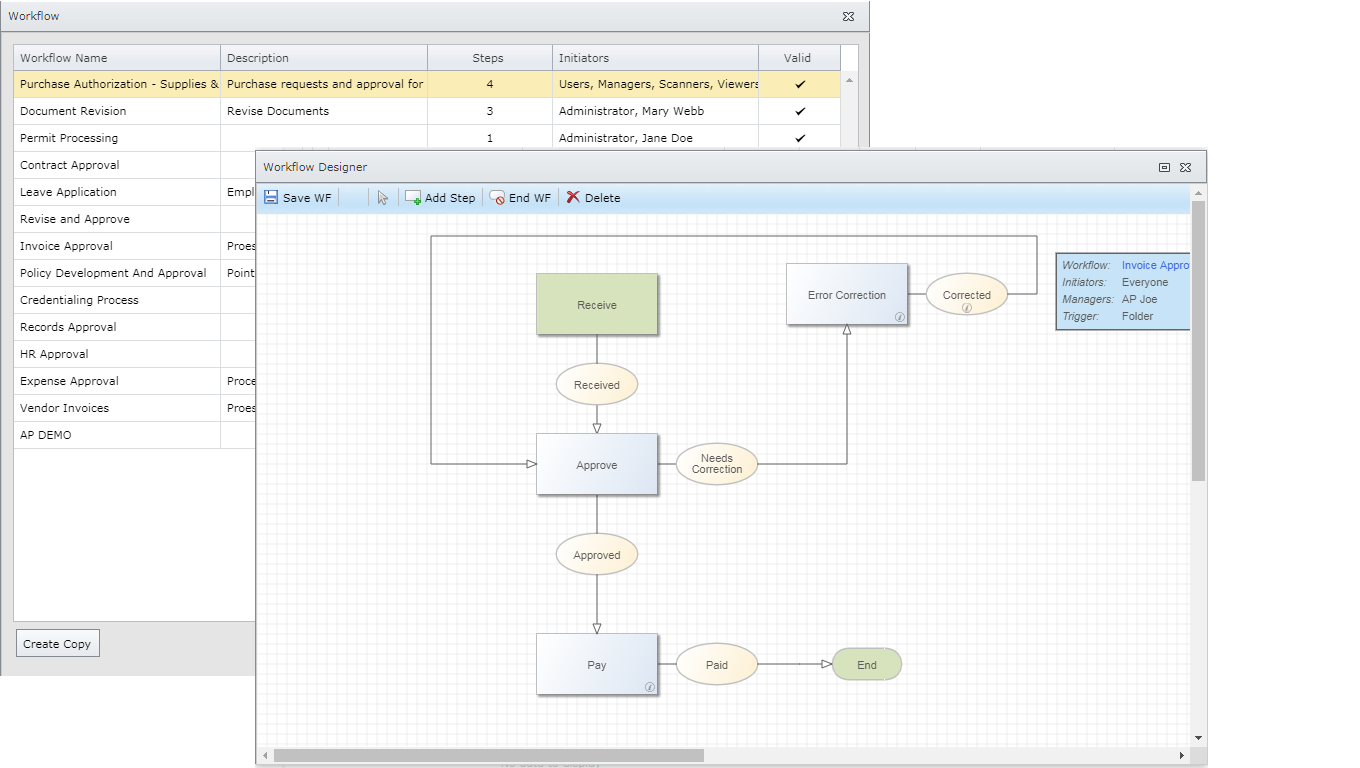
Administrators and authorized users can create and edit Workflow using graphical designer or standard forms. This option is available in desktop and web client applications. For designing & configuration, see Creating Workflow and to learn about workflow in action, see Initiating a Workflow.
|
|
This feature is available as an optional add-on and is integrated with our web client.
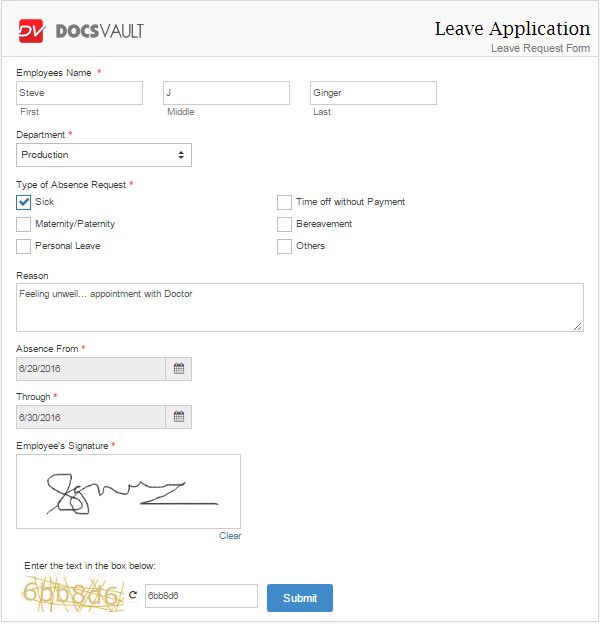
Administrators and authorized users can create and design eForms (electronic forms) on web. The eForm consists of series of custom fields where data is collected, using a Web browser. To learn more about eForms, see Web eForms Add-on.
|
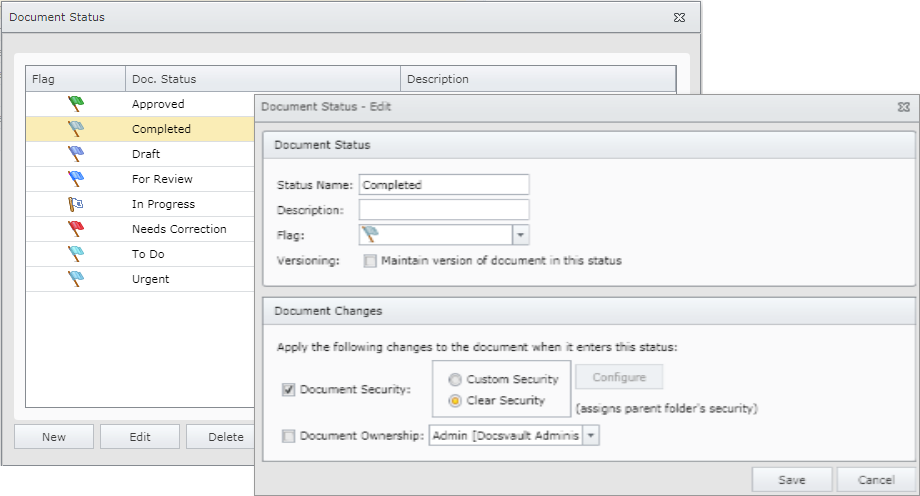
Administrator and authorized users can add and edit Document Status from web client too. Document status can be used to add a visual reminder to follow up on items in some way. It is also possible to automatically bring about accessibility changes to a document when its status changes. For more information, see Edit Doc. Status
 |
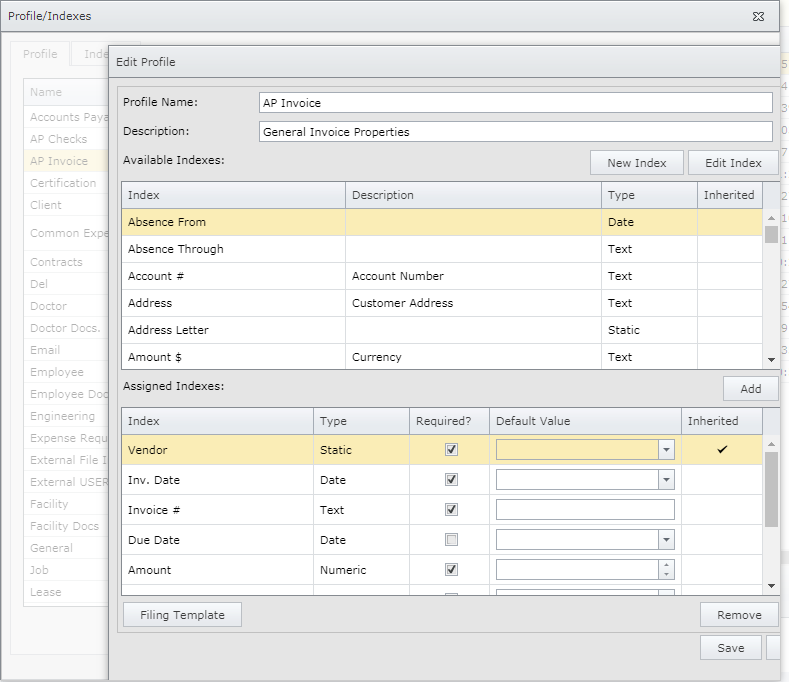
Administrator and authorized users can create file and folder "profiles," which are groupings of custom fields or "indexes." Document Profiles are fully configurable to match any business requirement. To learn how to create Profile/Indexes, see Profiles and Indexes.
|
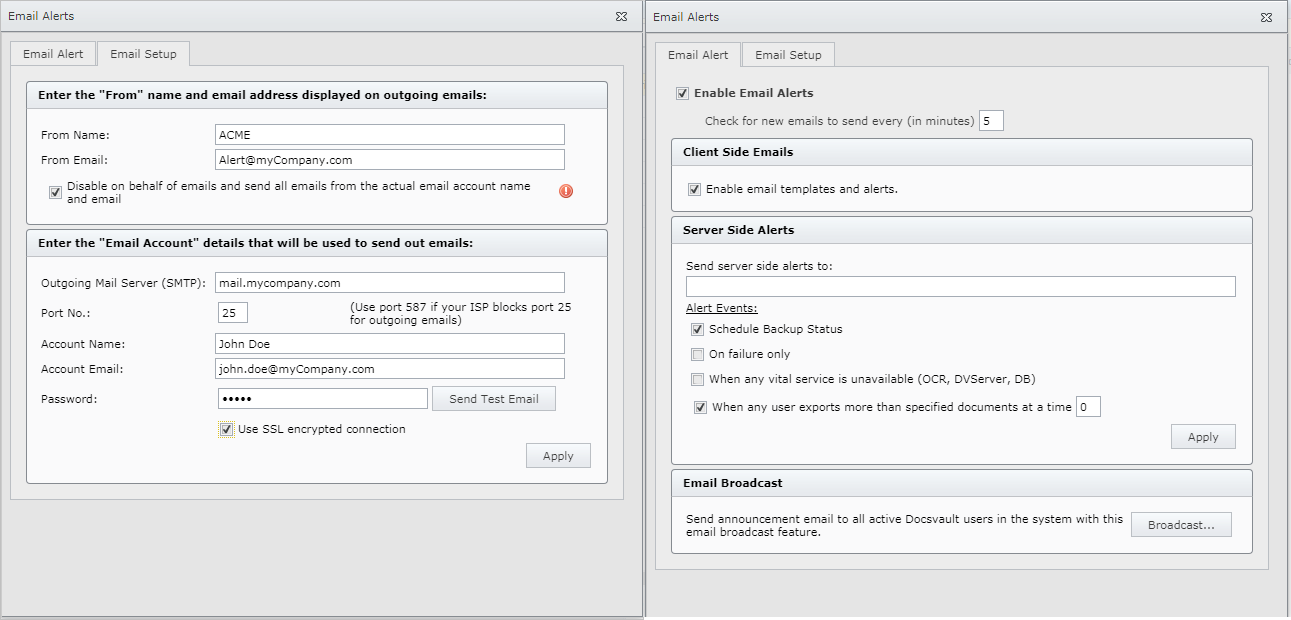
Administrator can setup outbound email SMTP credentials and configure alert system from here. Click Email Alerts to learn how to configure email settings in Docsvault.
|
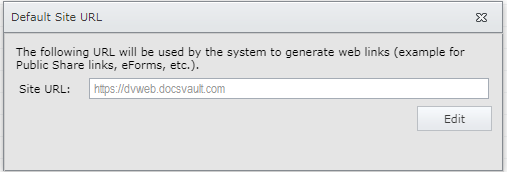
Administrators can view here default site URL for the Docsvault web client access used in shared links, workflow links, etc.
|
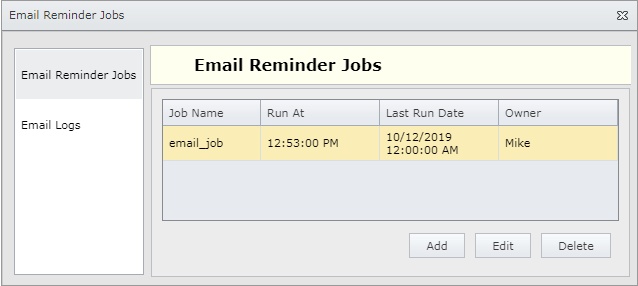
Administrators can create email reminder jobs and view email logs
|