Email Failure Log
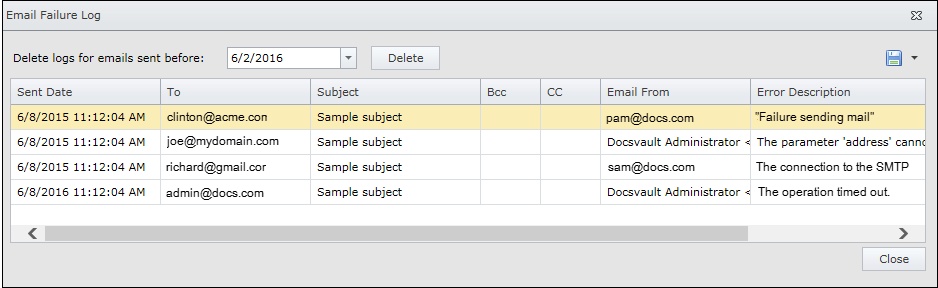
This log contain information about all failure email sent through Docsvault.
From the Server Manager dialog on the server side click on Email Log under Email Reminder Jobs node
OR
From the Administration Menu in Docsvault client click on Email Reminder Jobs > Email Log
Logs contain data such as:
•The email address of each email sender and recipients
•The date and time each email was sent
•An error description associated with each email
 |
You can use email logs to troubleshoot encountered errors.
You can delete and purge logs for emails sent before specific date. Specify the date and click Delete button.
You can export and save an email log in various formats like pdf, excel, csv, etc.