The Options windows can be launched by clicking on  . icon.
 |
Options available are as follows:-
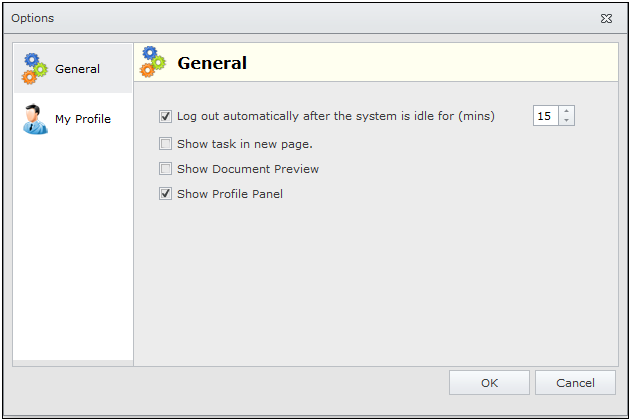
This option allows you to set your own preferences for the general functioning of Docsvault application such as idle log out time, show task in new page, display Document Preview and show Profile Panel.
My Profile
This option allows you to edit your profile such as change login password, full name display, email address, manage two-factor authentication etc...
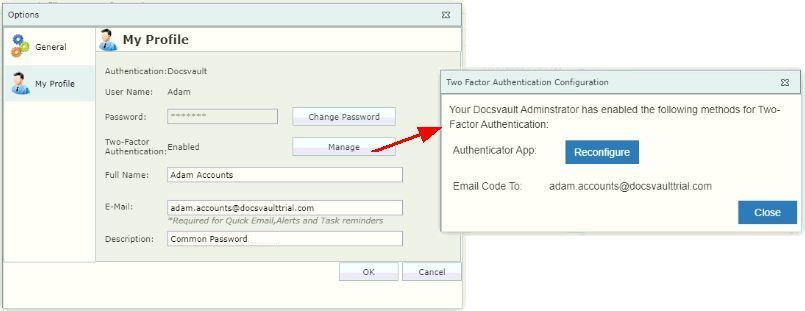
Learn how users can setup and manage their Two-Factor Authentication to securely login to Docsvault Client.