|
Uninstall Docsvault |

  
|
|
Uninstall Docsvault |
|
|
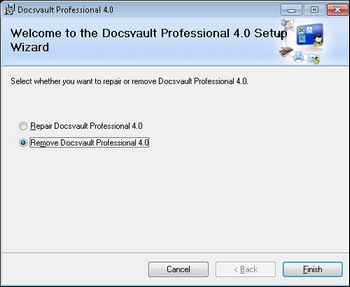
When you uninstall Docsvault, all components are removed. This means that even if you have reinstalled or repaired Docsvault, the uninstallation removes all Docsvault program files from your system.
Uninstall Docsvault
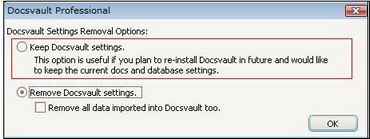
During the uninstall process you will have a choice to keep or remove the current Docsvault Professional settings. If you wish to uninstall Docsvault completely you can select the Remove Docsvault settings option. You may also choose to remove all the data that you have imported into Docsvault by checking the "Remove all data..." checkbox.
Page url: http://www.docsvault.com/online-help/professional/index.html?sv_uninstall_dvpro.html |