|
Reinstall or Repair Docsvault |

  
|
|
Reinstall or Repair Docsvault |
|
|
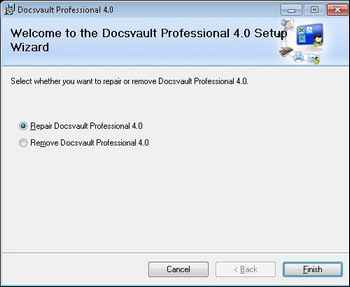
If you accidentally delete or alter files that are required by Docsvault, Docsvault will not perform correctly and you might get error messages while running the program. You can attempt to fix this problem by reinstalling or repairing Docsvault.
Reinstall or Repair Docsvault
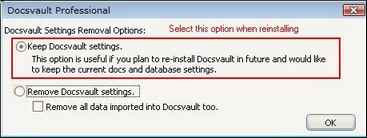
During the uninstall process you will have a choice to keep or remove the current Docsvault Professional settings. If you plan to reinstall Docsvault MAKE SURE TO KEEP Docsvault settings. The installer will not show the configuration wizard again when installing the program again if it detects previous settings.
Page url: http://www.docsvault.com/online-help/professional/index.html?sv_reinstall_repair.html |