|
Tasks Manager |

  
|
|
Tasks Manager |
|
|
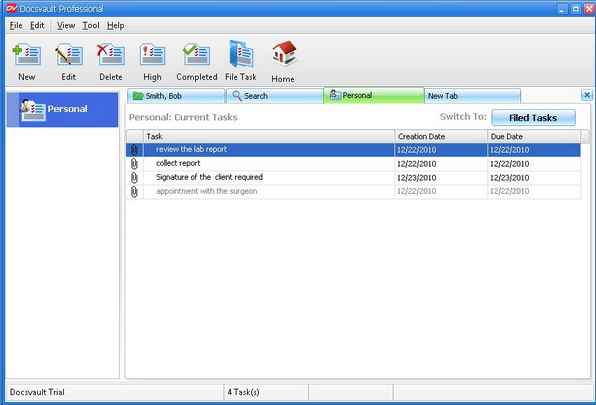
Task Manager Window helps you to see and manage all your personal tasks.
To Open Task Manager Window
This will show information about all the personal task created by a user. Information includes task description, when the task was created, and when it is due. The following figure shows the status report of the tasks assigned to the user.
Page url: http://www.docsvault.com/online-help/professional/index.html?tasks_view.html |