|
First Time Run Settings |

  
|
|
First Time Run Settings |
|
|
Running Docsvault Professional for the first time:
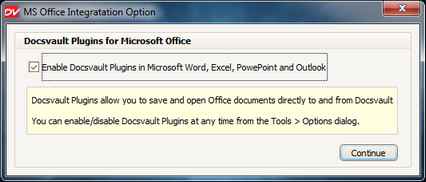
The first time you run the program, it will prompt you to enable Docsvault Plugins for Microsoft Office Applications. Enabling this will add a separate toolbar for Docsvault in MS Office applications like Word, Excel, PowerPoint and Outlook.
Password Protection Login
Many of us share our computer with other users like our family members and friends. But it may not be desirable to allow them to run all the programs which we use.
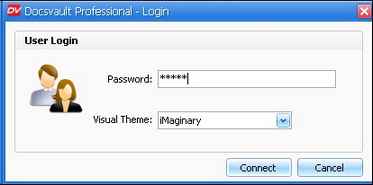
You can now password protect the launching of Docsvault application. After you start the Docsvault system, you can set a launch password from Tools > Options > Others dialog. The next time you use Docsvault, it will prompt you for a password and will launch the application only if the password matches.
Page url: http://www.docsvault.com/online-help/professional/index.html?firsttimesettings.html |