To support centralized document management and enforce governance policies, administrators can override the default Save behavior in Microsoft Office applications.
What This Feature Does:
•Replaces the standard Office Save and Save As dialogs with Docsvault Import dialog.
•Forces documents to be saved directly into Docsvault, rather than on local drives.
•Helps maintain a centralized file repository, preventing data loss, duplication, and non-compliance.
•Ensures all documents are properly profiled and indexed during the save process.
Admin Setup:
This feature must be enabled by an administrator in the Docsvault Server Manager: See MS Office Integration settings.
Depending on the configuration, Docsvault can:
•Override default Save functionality: Replaces Microsoft Office’s standard Save and Save As commands with the Docsvault Import dialog.
•Restrict local saving: Prevent users from saving documents to their local system, ensuring all files are stored within Docsvault.
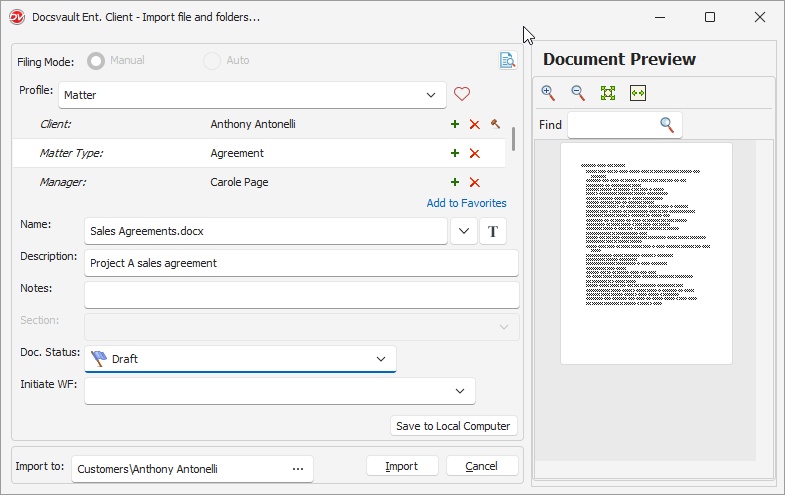 Overriding Office Save Option |