This feature is applicable for Docsvault Enterprise Edition
|

Logging on
This procedure logs you in to Docsvault's web client interface.
Steps to log in to Docsvault's web client interface
•Use your web browser to open your Docsvault domain, e.g. http://my-specified-domain.com
•On the Docsvault Login page, enter your Docsvault username and password.
•Click Login to open Docsvault's web client explorer window.
Learn how users can setup their Two-Factor Authentication to securely login to Docsvault Client.
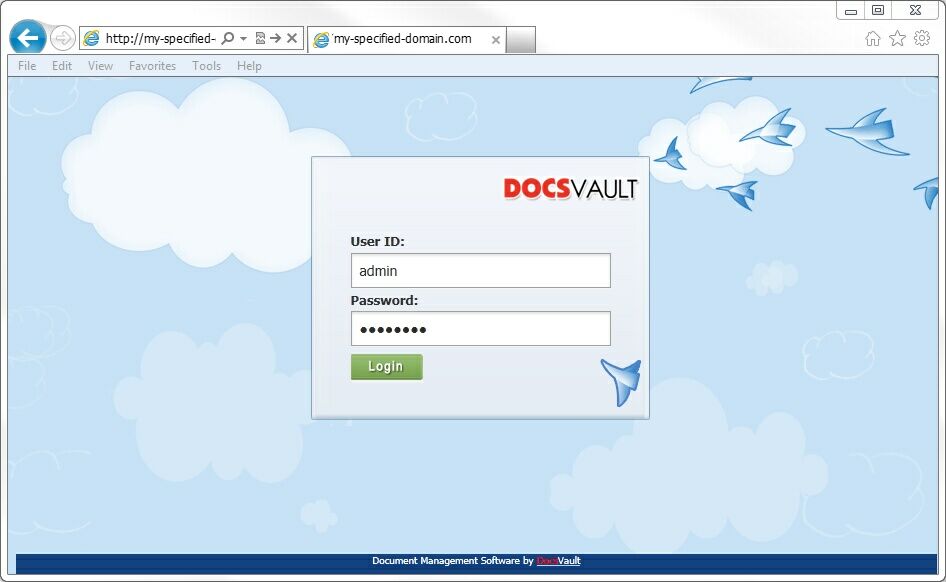 Docsvault Web Client Login |
|
Logging out
To log off from Docsvault through the web client interface, click the Logout button on the main toolbar.You can also simply close the browser tab and the application will log you off automatically.