This section covers the server activation and several ways of launching the Docsvault program.
Launching Docsvault Server and Desktop Client
Launching Docsvault |
Server Manager |
Desktop Client |
On the Desktop, double click the Docsvault icon. |
|
|
In the System tray (right bottom corner near the clock), right click Docsvault icon. |
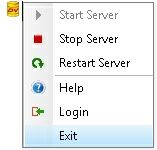
|
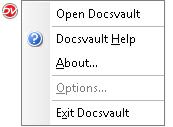 |
Start Menu, select Start\ Programs\Docsvault <edition>\ |
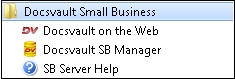 |
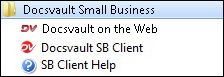 |


Launching Docsvault Web Manager [Enterprise edition]
Launching Docsvault |
Web Manager |
On the Desktop, double click the Docsvault icon. |
|
Start Menu, select Start\ Programs\Docsvault <edition>\ |
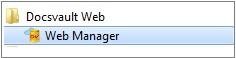 |
