|
Document Thumbnails |

  
|
|
Document Thumbnails |
|
|
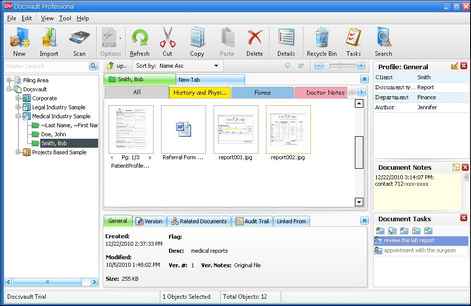
With a single key press you can instantly view thumbnails image of the documents in the opened tab. Docsvault supports thumbnails of all image files and PDF files while other type of files are displayed in their normal file icons.
In Docsvault Explorer, select Thumbnails option from the View menu, and you'll get a handy little thumbnail of each file in the folder.
Page url: http://www.docsvault.com/online-help/professional/index.html?document_thumbnails.html |