Searching Documents
The mobile application searches for entered text in all text based fields in Docsvault including the documents text content.
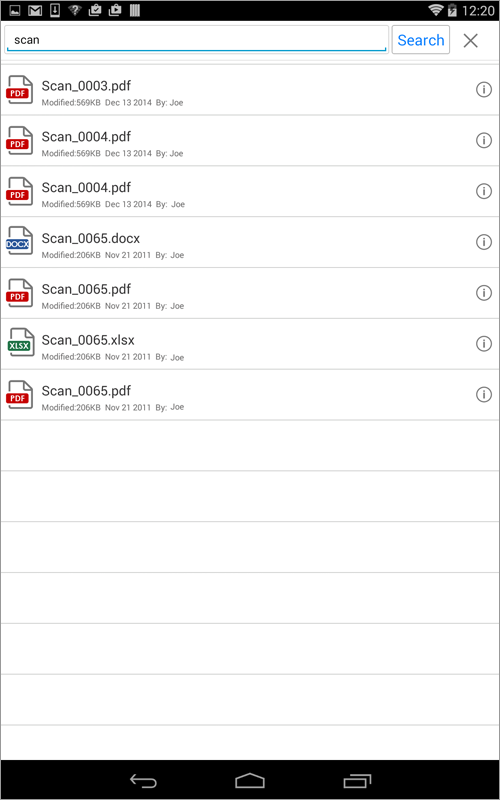
•Tap Search  on the top bar of center list panel to find your files and folders.
Type your search text in the search box and tap on your device keypad. The search results appears in the search results screen. You can find out the exact location of a file from its properties dialog by clicking the  icon.
icon.
The scope of your search is limited to all sub items of the current folder where the search was initiate from. To search everywhere start your searches at the cabinet list level.
The search will return documents where your search text matches any of following criteria:
oFilename, System ID & custom Doc ID
oDescription
oDocument Notes
oIndex Value
oVersion Notes (current file version)
oText Inside Files
 |