Emailing document as attachment using Docsvault Quick Email
This feature is available to the user only if it has been enabled by the Administrator in the Docsvault Server Manager. For more information, see Alerts in the Server Manual.
To emailing document using Quick Email
•Select one or more files from the Docsvault Explorer.
•On the File menu, point to Email With and then select Docsvault Quick Email Or
Right click on the selection, point to Email With and then select Docsvault Quick Email
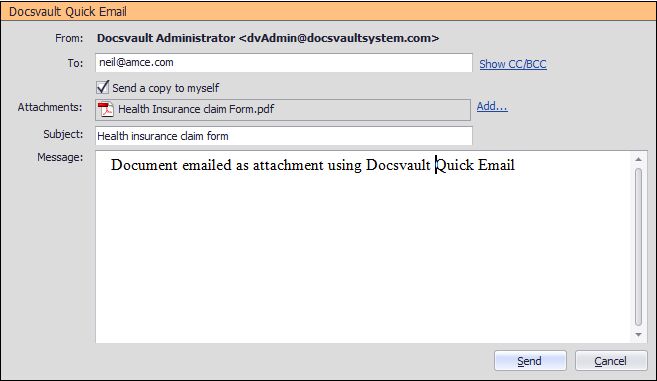 Sending email using Docsvault Quick Email |
•To export the files or folder, you must have Export rights. For more information about user rights or permission, see Security Rights.
|

•Docsvault Quick Email feature allows you to email documents from previous versions or previous document statuses.
•If enabled in the Docsvault Server Manager, the "Document ID" and "Version Number" will be added to the filenames.
•Docsvault will not export link files as email attachment.
|
