Getting In Person Signatures
This feature is only available in the web interface of the Digital Signature add-on
|

Getting signatures on a document in personal is quick and easy with Docsvault. Using the "Get Sign" or "Get Initials' option in the web signature window, you or your staff can easily have a third person scribble their signature using a touch screen or mouse. For example, insurance agent can meet with a client to review a health insurance policy and get the approval by asking them to sign a document right on their tablet or laptop.
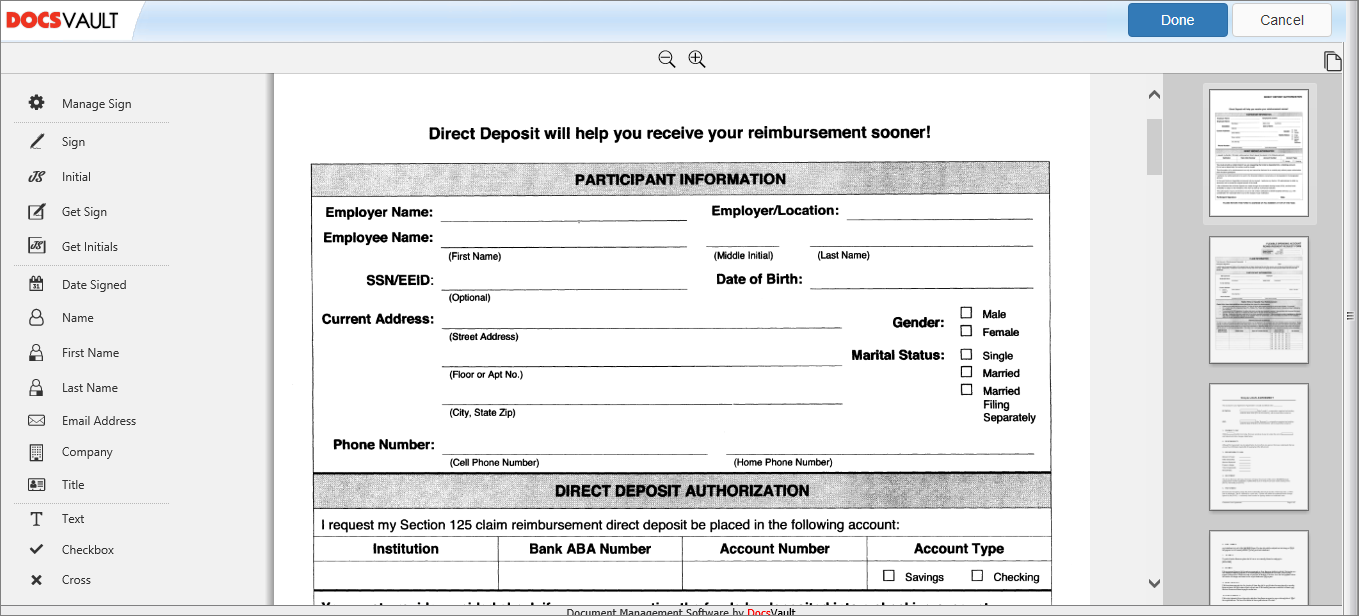 Digital Signature Web interface |
To Get Signature in person
•Right click on the PDF file and click Sign Document
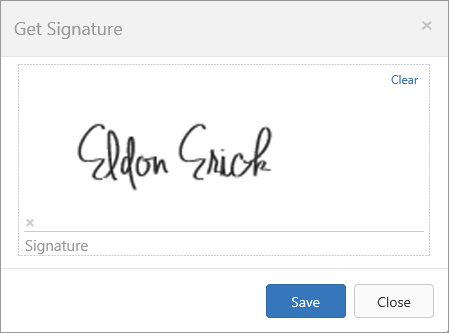
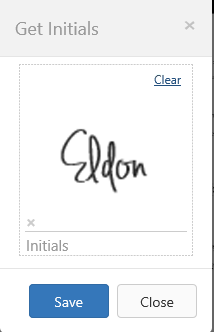
•Click Get Sign or Get Initials on the level panel. Collect the signature or initials from signer as in the images below
•Click Save and place the cursor where you wish to apply the signature
 |
 |