It is sometimes required to export out document profiles for reporting, further analysis or for use in other third party applications. Docsvault Enterprise Edition allows administrators to export out values for any selected profile in csv, pdf, xls, xlsx and xml formats.
This feature is available only in Docsvault Enterprise & Ultimate Editions
|

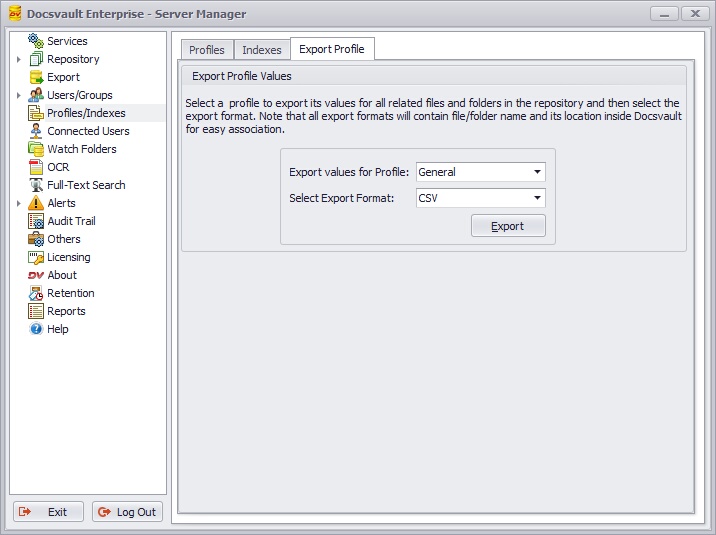 Export Profile |
The file exported is in table format and will contain file/folder name, its location and associated indexes values. The index field with multiple values will be displayed by "|" pipe delimiter
 Example of Profile Exported in PDF format |