Logging on
This procedure logs external user into their shared documents application.
Steps to log into Docsvault's External User Interface
•The login page for the normal Docsvault user and the external user is the same. Docsvault will automatically determine the application to redirect the user depending on their user type. So provide your external users with your normal Docsvault Web Access URL along with their username and password.
•On the main Login page, users will enter their external username and password to login to their external user share application
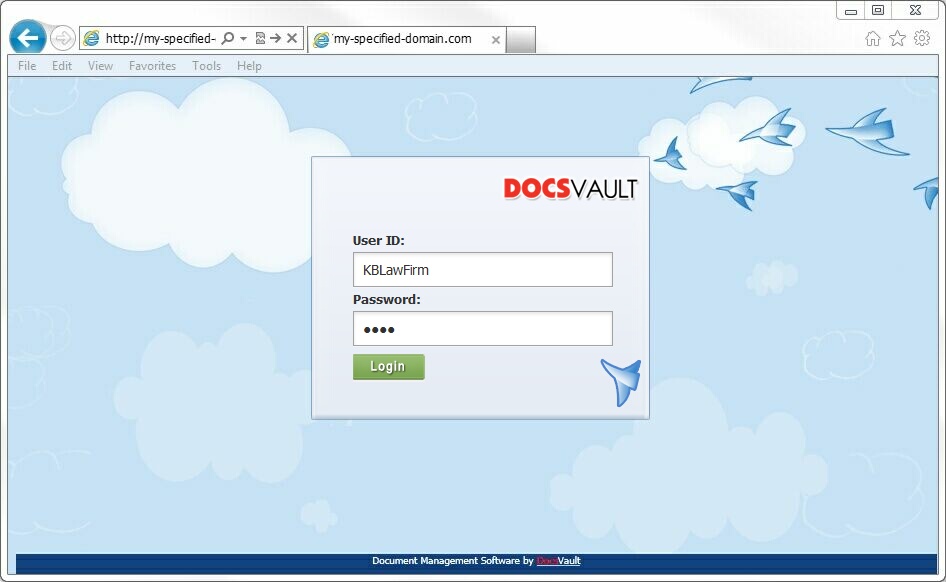 Docsvault External User Login |
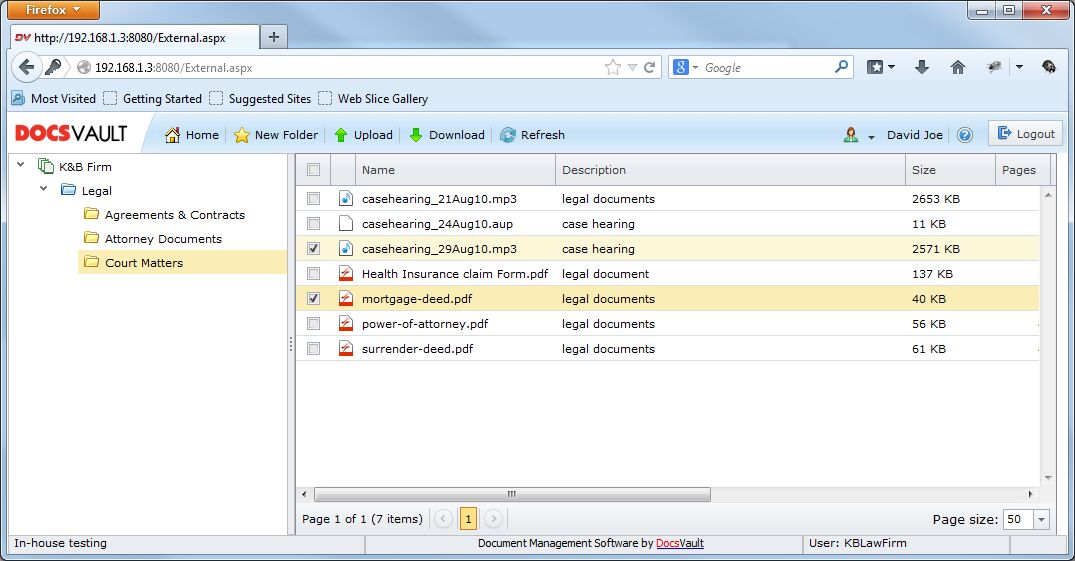 External User Main Interface |
Logging out
To log off from Docsvault, users will click the Logout button on right of the main toolbar. They can also simply close the browser tab and the application will log them off automatically.