You can create a folder through Docsvault Mobile app to easily organize all your files in Docsvault.
To create a folder
This procedure adds a new folder in Docsvault
•Navigate to the location where you want to add a new folder. You can also use the  Search icon from the top menu to search for the folder instantly.
•Tap  New Folder icon on the bottom menu bar.
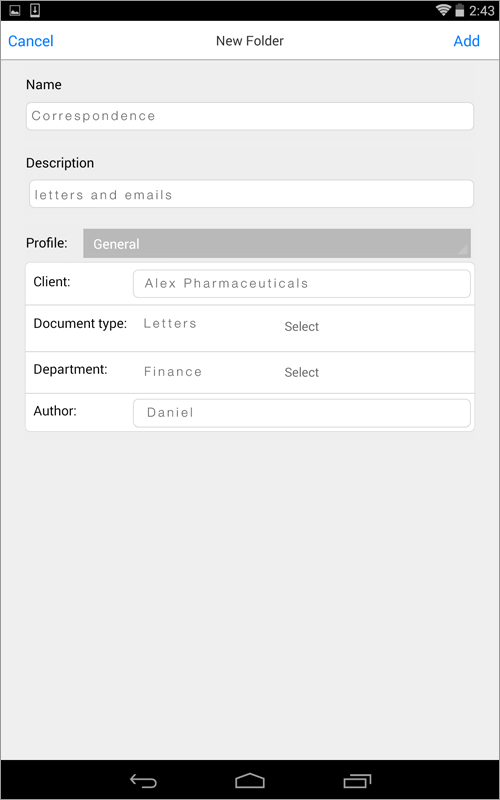
•Enter a folder name and optional description into the text box.
•Profile the folder if necessary and enter the values for indexes.
•Click Add button to create a folder.
 |
•If you have insufficient rights. Only users with 'New Folder' rights on a parent folder can add folders under it •If the folder already exist with the same folder name. •Unable to connect to the server due to internet connection being interrupted. |
