The Connection log helps admin to track sign-ins to the Docsvault system. All sign-ins from local and web browsers are logged. It records successful & failed logon attempts along with a user- id & name, host name that display the ways the user signed in, ip address used by the user to sign in and date and time the sign-in occurred, type of a user license etc. All the failure logins are shown in a red font.
•You have the filter the log by user name, successful/failed logins, date etc
•You can export the log data into different formats such as csv, cls, pdf, xml or as a report
•You can delete/purge the log
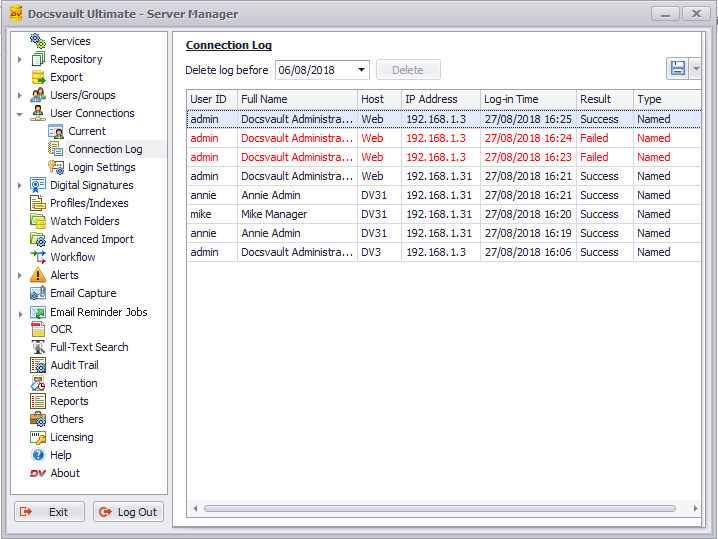 Connection Log |