|
Viewing File Properties |

  
|
|
Viewing File Properties |
|
|
Viewing File Properties
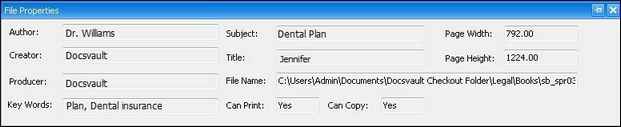
Docsvault PDF Editor allows you to quickly view some basic information of the currently opened PDF document - author, creator, title, subject, keywords and so on.
For example: The dialog box above shows the PDF file's information, including its author, creator, producer, subjects, keywords, file name, printable or whether it can be copied.
Page url: http://www.docsvault.com/online-help/professional/index.html?viewing_a_pdf_file.html |