|
Deleting and Restoring Documents |

  
|
|
Deleting and Restoring Documents |
|
|
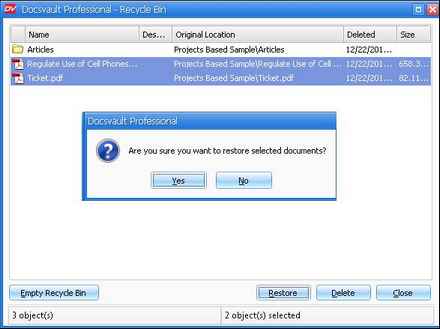
When you delete any files or folders from Docsvault they are placed in Docsvault Recycle Bin. The Recycle Bin provides a safety net when deleting files or folders. If any documents get deleted in error, you can retrieve them anytime along with all their version and profile information as long as they exist in Recycle Bin. To permanently remove files from Docsvault, you need to permanently delete files from the Recycle Bin. You can choose to delete individual files from the Recycle Bin or empty the entire Recycle Bin at once.
Deleting documents
\Restoring deleted documents
Page url: http://www.docsvault.com/online-help/small-business/index.html?delete_recover.html |